-- Arbiter - Ref Scheduling
EFFECTIVE 9/1/2026: DO NOT PAY REFEREES DIRECTLY. ALL PAYMENTS MUST BE PROCESSED PRIOR TO GAME TIME. SEE NEW PAYMENT INSTRUCTIONS BELOW.
District Requirements & Scheduling Rules
- District 6 officials are required for all games and scrimmages:
- All games and scrimmages between two D6 teams regardless of location.
- All games and scrimmages played on D6 ice.
- You must use the D6 referee schedulers (do not self-assign).
- Request at least 96 hours (4 days) in advance.
- Preferred: 120 hours (5 days) when possible.
- Two on-ice officials are required. If two are not assigned on game day, your options are:
- Run a controlled scrimmage (no officials)
- Cancel per D6 policy.
- Terri will call if coverage is not possible.
Creating An Arbiter Account
- Go to Arbiter Sports to create an account.
- Contact Terri Loken at D6RefereeScheduler@gmail.com
- Let her know your email address and team, and she will connect you to your team in Arbiter.
- Once she links you to the team you can log into Arbiter, click on games and see the D6 schedule.
Referee Payment
Home team (team that owns the ice) provides and pays the officials.
If splitting ref fees the away team reimburses the home team.
| Method | Instructions | ||
|---|---|---|---|
| Check | Mail check to Kurt Hyster at 840 Curry Trail Eagan, MN 55123. Please include game date in memo if possible. DO NOT PAY REFEREES AT GAME TIME. THIS CHANGE IS EFFECTIVE AS OF 9/1/2026. | ||
| Paypal | d6kurt@d6ref.com - You must include an extra 3% when paying via paypal to cover the 3% paypal processing fee. (Example: If rate is $326, you must pay $335.78 to cover the fee) Please include association, team name, & game date in memo if possible. | ||
| Zelle | d6kurt@d6ref.com - Do not use Kurt's phone number to pay via zelle. You must use the provided email address to ensure payment processes through the correct account. |
Cancellations & Changes
- If a scrimmage set up with the league scheduler is cancelled, you must provide ≥24 hours’ notice to avoid a game fee.
- Same-day cancellations still require paying the officials the posted rate.
Communication
- Notify the Ice Coordinator for both Home & Away scrimmage, so that they can add them to your Team Calendar.
- Notify your coaches & team manager so that they know about a scrimmage. The team manager is responsible for notifying the team & parents.
- Confirm with the team a few days prior that they will be participating in a scrimmage.
ArbiterSports: How to Verify Assignments
- Submit your request by filling out this form.
- After submitting your request, allow up to 24 hours for it to post in Arbiter.
- You’ll receive a welcome email with login credentials (created from the email you used to request the scrimmage).
- Log in to ArbiterSports.com → Schedule → Master Schedule.
- Click the game number on the far right to view details.
- Verification = officials are assigned to exactly what’s posted.
- Check again at ~48 hours after submission.
- If details are wrong, update ASAP—you are responsible for payment if incorrect details weren’t verified.
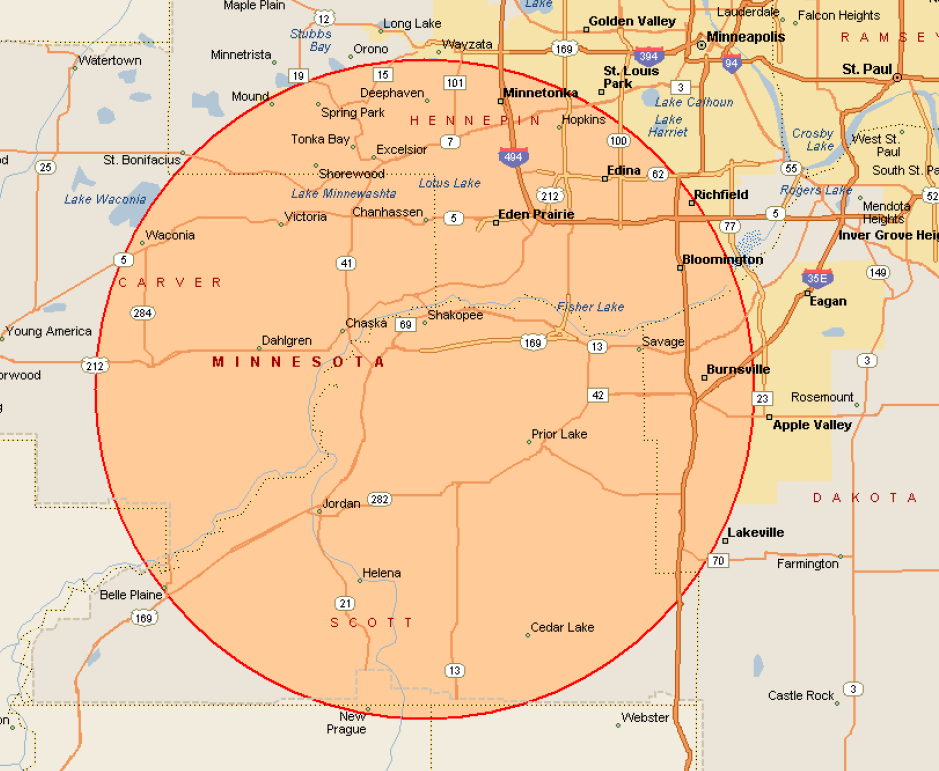
D6 Circle